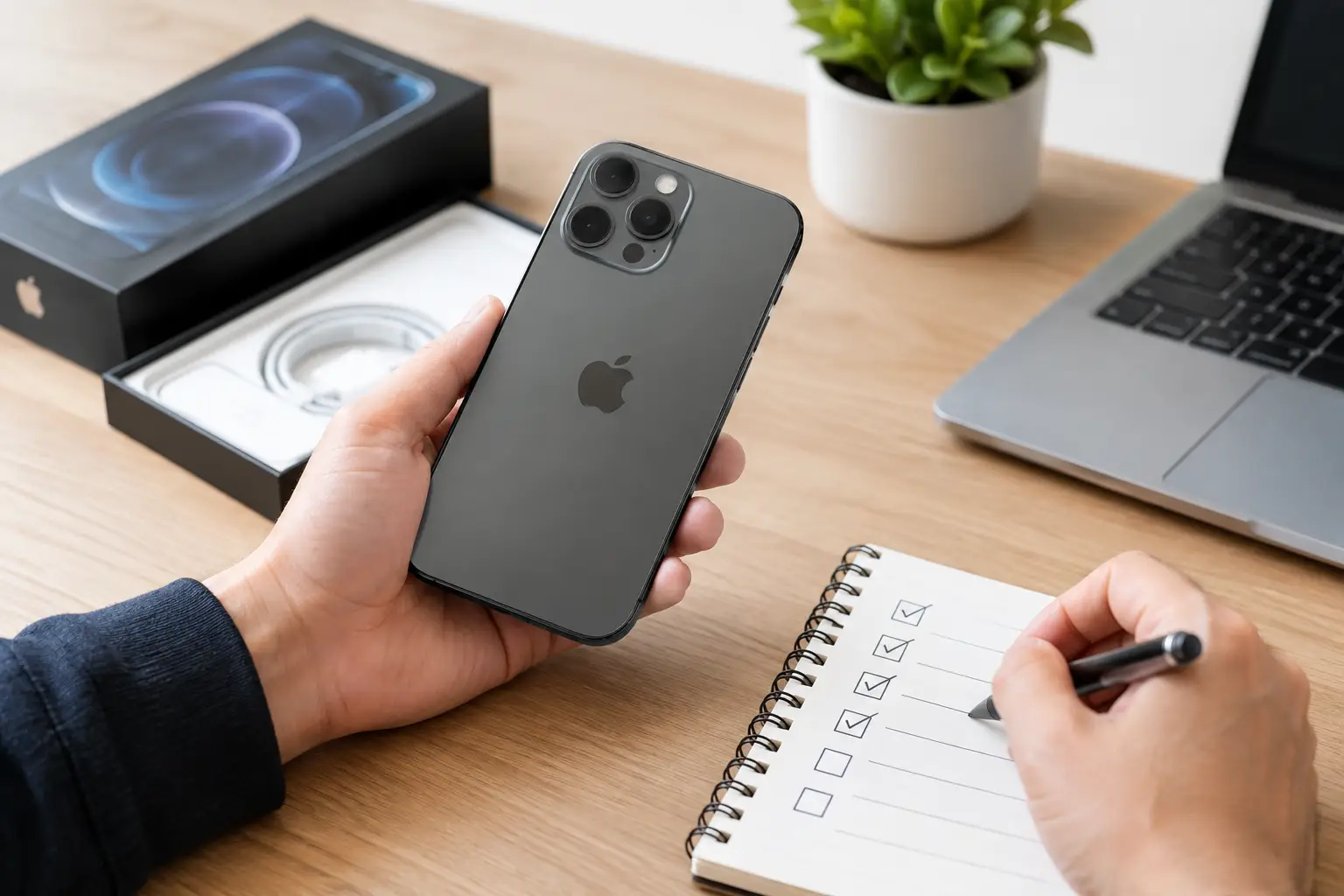
A low-priced iPhone is only a good deal if it works reliably after the first week. Refurbished iPhone buying can lower the cost of a dependable phone, but the word “refurbished” does not always mean the same thing from one seller to another. Some devices have been thoroughly tested and repaired with documented parts. Others may simply be cleaned, reset, and listed again.
Before you pay, focus on the items that affect daily use: battery condition, carrier status, Face ID, cameras, display quality, water-damage signs, warranty coverage, and the seller’s return process. A quick inspection now can prevent a surprise repair bill later.
What “refurbished” should mean
A refurbished iPhone is a previously owned device that has been inspected, tested, and prepared for resale. It may have received a new battery, screen, housing, charging port, or other replacement parts. It should be cleaned, reset, and ready for activation.
The problem is that there is no single retail standard for the word. One seller may replace worn components and run full diagnostics. Another may only confirm that the phone turns on, accepts a charge, and can make a call. Ask what work was actually completed, whether replacement parts were used, and what functions were tested.
A device sold as “used” may be perfectly functional but have no repair or testing standard behind it. A device sold as “certified refurbished” generally offers more confidence, but still read the warranty and return terms. The label matters less than the condition, testing process, and seller accountability.
Start refurbished iPhone buying with the right model
Buying the newest model available is not always necessary. The right iPhone depends on what you need it to do and how long you plan to keep it. A student who needs messaging, banking, maps, and video calls may be well served by a recent base model. A person who creates video content, uses demanding apps, or needs more storage may benefit from a Pro model or a newer generation.
Avoid going too far back just to save money. Older iPhones can have shorter remaining software support, lower battery efficiency, less storage, and aging components. They may also use older camera systems and lack features that matter to you, such as 5G, MagSafe charging, or a larger display.
Storage deserves attention. A 64 GB iPhone can become restrictive quickly if you take many photos, download media, or use work apps. If you do not consistently manage cloud storage, 128 GB is often a more practical starting point. Storage cannot be upgraded later.
Check the battery before anything else
Battery health is one of the biggest factors in refurbished iPhone value. A phone can look nearly new and still need a battery replacement soon. On the iPhone, go to Settings, Battery, and Battery Health & Charging. Review the maximum capacity and look for service messages.
A battery near or above 85% capacity is usually a stronger starting point for a refurbished device, though the best threshold depends on the price and model. Below 80%, expect shorter time between charges and consider the cost of replacement as part of the purchase price. A newer battery may be worth more than a small discount on a phone that drains quickly.
Also check whether the phone recognizes the battery properly. An “unknown part” message can indicate that the battery was replaced with a non-genuine or unverified component. That does not automatically make the phone unusable, but it can affect battery reporting and resale value. Ask the seller to explain the part and the warranty supporting it.
Confirm that the iPhone is not locked or financed
A phone that is activation locked is not ready for a new owner. During setup, it should not ask for the previous owner’s Apple Account password. If it does, do not complete the purchase until the prior owner removes the device from their account in front of you.
Carrier status is equally important. Verify that the device is unlocked if you want the freedom to use your preferred carrier. A phone that is tied to one carrier may still be useful, but only if that limitation matches your plan.
You should also ask the seller to verify the IMEI or serial number for blacklist status and outstanding financing issues. A phone can appear normal when tested, then later be blocked if it is reported lost, stolen, or associated with unpaid financing. A legitimate seller should be prepared to address this concern clearly.
Test the parts people forget to test
Do not judge an iPhone by its housing and screen alone. Spend a few minutes using the functions you rely on every day. If you are buying in person, test the phone before payment. If you are buying online, perform these checks immediately after it arrives so you stay within the return window.
Test these core functions:
- Make a call and test the earpiece, microphone, speakerphone, and cellular signal.
- Connect to Wi-Fi and Bluetooth, then test charging with a cable.
- Open both cameras, switch lenses if applicable, record a short video, and test the flash.
- Set up or test Face ID, since this repair can be more complicated than a screen or battery replacement.
- Use the touchscreen across the entire display, including edges and corners, and check the volume, power, and mute buttons.
Pay attention to the display. Look for uneven brightness, dead pixels, ghost touches, a screen that lifts from the frame, or a blue or yellow tint that does not change with display settings. Third-party replacement screens can work well, but quality varies. Some may have weaker brightness, reduced touch responsiveness, or lower durability than an original-quality screen.
Check the device’s Parts and Service History in Settings, General, About when available. This can show whether the battery, display, or camera has been replaced. Replacement history is not necessarily a reason to walk away. A properly repaired phone can be a smart purchase. What matters is whether the repair was done correctly and backed by a warranty.
Inspect the condition, not just the grade
Many sellers use grades such as excellent, good, or fair. These are useful only when the seller explains what each grade means. “Good” might mean a few light scratches at one business and noticeable dents at another.
Inspect the frame around the corners, the camera lenses, charging port, speaker grilles, and SIM tray. Heavy dents can point to a significant drop. A loose charging port, damaged lens cover, or bent frame can lead to future issues even if the phone currently powers on.
Water resistance is another trade-off. Even an iPhone with an original water-resistance rating may have reduced protection after age, impact, or repair. If the screen or housing has been opened, seals may no longer perform like they did when the phone was new. Treat any used or refurbished phone as something to keep away from water.
Read the return policy and warranty carefully
A warranty should cover functional failure, not just arrival damage. Find out how long coverage lasts, what it includes, whether it covers replacement parts, and whether you must pay diagnostic or shipping costs for a claim. A 90-day warranty can be useful, but a longer warranty provides more room to identify issues that do not show up immediately.
The return policy matters just as much. You need enough time to activate the device, move your data, test your carrier, use the cameras, and see how the battery performs through a normal day. Be cautious when a seller offers no returns, especially for a high-value device.
Keep your receipt, device details, warranty terms, and photos of the phone’s condition at purchase. This paperwork helps if you need a return, repair, trade-in, or insurance claim later.
Compare the real cost, not the sticker price
The lowest price is not always the lowest cost. Add likely expenses such as a battery replacement, screen protector, protective case, charger, taxes, and any repair needed to correct a known issue. Then compare that total with a device in better condition or with a stronger warranty.
For local buyers, an in-person purchase has one practical advantage: you can inspect the device and get answers before money changes hands. A qualified repair shop can also assess a questionable iPhone before you commit, especially if you are unsure about battery health, charging problems, prior repair quality, or damaged parts. Fonexpert can help evaluate device condition and handle repairs if a used phone needs attention.
A refurbished iPhone should make your day easier, not create a new repair project. Take the time to test it, verify its history, and choose a seller who stands behind the device. That extra ten minutes before purchase can save you weeks of frustration afterward.