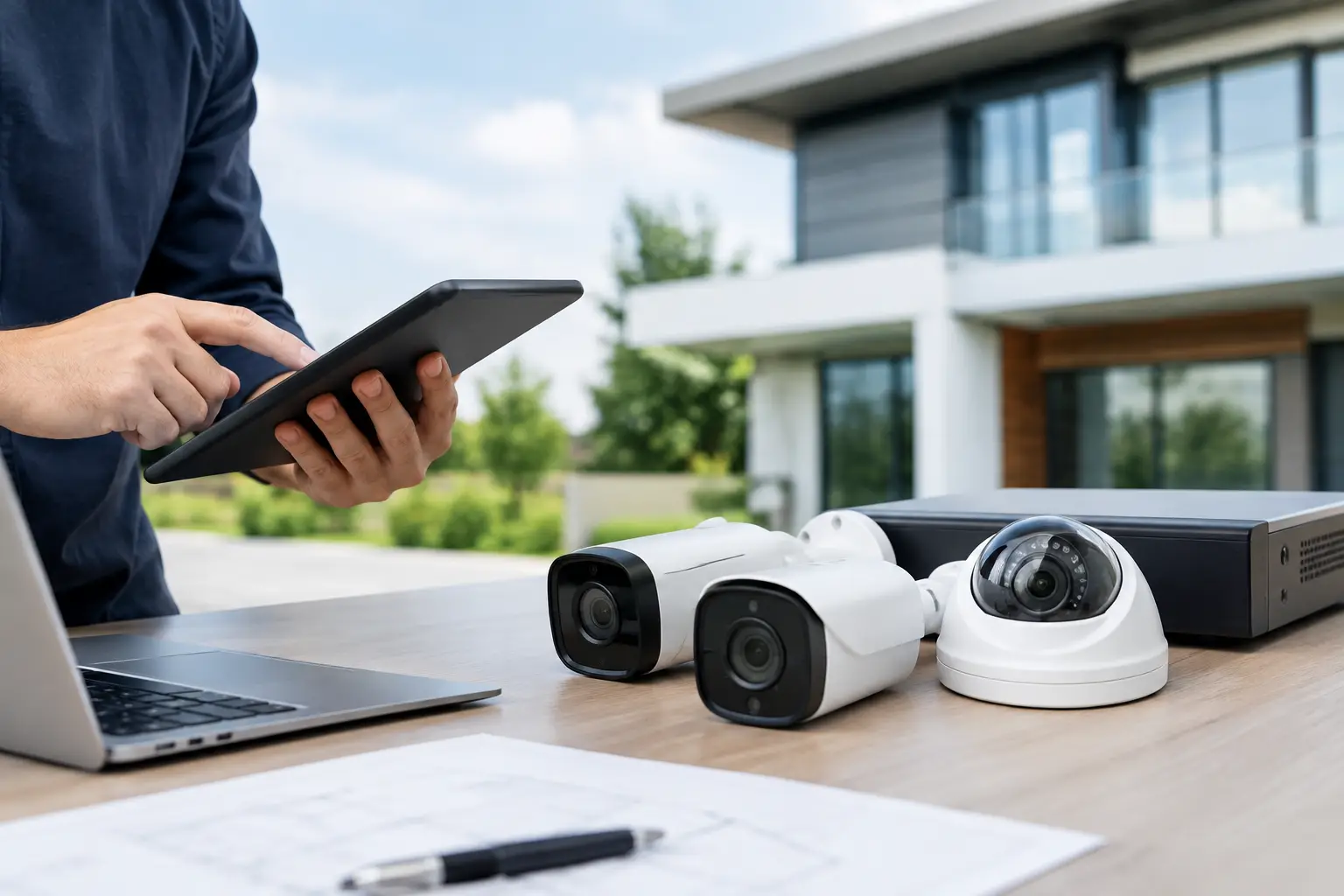
A break-in, package theft, or after-hours incident is the wrong time to find out your cameras missed the face, plate, or doorway that mattered. A properly planned CCTV camera system gives you usable evidence, a clearer view of what happens around your property, and a practical way to check in without standing at the window.
For a Calgary home, retail shop, office, warehouse, or service business, the right setup is not necessarily the one with the most cameras. It is the one that covers real risks, records reliably, and stays simple enough to use every day.
Start With What You Need to See
The best camera placement starts with entry points, not product specifications. Walk around the property and identify where someone can enter, approach, or leave without being seen. For most homes, that means the front door, driveway, garage, side gate, and backyard access. A small business may also need coverage at customer entrances, rear doors, cash areas, loading zones, storage rooms, and parking areas.
Think about the question each camera needs to answer. A wide camera over a driveway can show vehicle movement, but it may not capture a readable license plate at distance. A camera above a front entrance can show who arrived, but a poorly positioned unit may only record the top of a hat. Camera height, lighting, viewing angle, and distance all affect whether footage is useful.
Avoid pointing cameras directly into bright windows, streetlights, or the rising and setting sun when possible. Backlighting can turn a person into a dark silhouette. Outdoor cameras also need a clear view that is not blocked by seasonal tree growth, hanging signs, or snow buildup.
Wired vs. Wireless CCTV Camera Systems
A wired system is often the better choice for a business or a property that needs several cameras. Cameras connect to a network video recorder, commonly called an NVR, through Ethernet cables. Many use Power over Ethernet, so one cable carries both power and data. This reduces the need for separate power outlets near every camera and provides a stable connection for continuous recording.
Wireless cameras can work well for a front door, detached garage, apartment, or a location where running cable would be difficult. They are faster to install in some situations, but they depend on reliable Wi-Fi coverage and available power. Battery-operated cameras are convenient, yet they may record short clips instead of around-the-clock video and require charging or battery replacement.
There is no single answer for every property. A wireless camera may be enough to monitor a low-traffic side entrance. A business with customer disputes, valuable stock, or multiple access points usually benefits from wired cameras and local recording. The key is choosing a system that matches the consequences of missing footage.
Camera Resolution Is Only Part of the Picture
Higher resolution can provide more detail, especially when you need to zoom in on a person or vehicle. For many homes and small businesses, 4K cameras offer a strong balance of clarity and coverage. However, resolution alone does not guarantee a clear image.
A camera with poor low-light performance may produce grainy nighttime footage regardless of its advertised resolution. Infrared night vision helps in complete darkness, while color night vision usually relies on nearby ambient light or an integrated spotlight. Color can be helpful when identifying clothing or vehicles, but it is not always necessary for every location.
Also consider the field of view. A wide-angle lens covers more area but makes distant subjects appear smaller. A narrower lens covers less space while providing more detail at a specific point. For example, a wide view may suit a reception area, while a tighter view is more useful at a vehicle entrance or back door.
Recording Storage Determines How Long Footage Is Available
Many customers focus on live viewing from a phone, then overlook how footage will be stored. Live alerts are useful, but recorded video is what you need after an incident. Storage capacity depends on the number of cameras, resolution, recording schedule, frame rate, and how much motion occurs in each area.
Continuous recording provides the fullest record, which can be valuable for businesses, driveways, and active entrances. Motion recording saves storage space and makes it easier to review activity, but it can miss the first seconds of an event if settings are not configured properly. A practical setup may use continuous recording at key entrances and motion recording in lower-priority areas.
Local storage on an NVR keeps video at the property and avoids relying entirely on a cloud subscription. Cloud storage can provide an off-site backup if a recorder is damaged or stolen, but ongoing fees can add up. Some systems support both, giving you local recording for everyday use and cloud backup for selected clips.
Before installation, decide how many days of footage you want to keep. A homeowner may be comfortable with a few weeks. A small business may need longer retention for operational reviews, incidents, or insurance questions. More retention usually means more hard-drive capacity, so it should be planned from the start.
Do Not Skip Network and Power Planning
Cameras are only as dependable as the network and power behind them. If wireless cameras are installed at the edge of Wi-Fi range, they may disconnect, load slowly, or fail to upload footage when you need it. A Wi-Fi assessment can reveal whether the camera location needs a stronger access point, a wired connection, or a different placement.
For wired systems, cable routes should be protected, neat, and appropriate for indoor or outdoor use. Exterior cable runs need weather-rated materials and proper sealing where they enter the building. Cameras should also be mounted securely enough to resist wind, vibration, and tampering.
Power interruptions are another practical concern. A battery backup for the NVR, network equipment, and internet connection can keep a system running through a short outage. It will not replace a full backup power plan, but it can prevent an outage from creating an immediate blind spot.
Set Alerts That Help Instead of Annoying You
A camera system that sends alerts for every passing car, tree branch, or neighborhood cat gets ignored quickly. Take time to set activity zones, sensitivity levels, and person or vehicle detection where available. The goal is fewer notifications with more useful information.
For a home, priority alerts may be limited to the front door, driveway, and backyard gate. For a business, alerts can be scheduled for after-hours activity, restricted doors, or delivery areas. During open hours, constant notifications from customer traffic are usually unnecessary.
Make sure more than one trusted person can access the system if needed. Test mobile alerts, live viewing, playback, and saved clips before relying on the setup. If an incident occurs, you should know how to find the time period, export footage, and share it with police or an insurance provider without guessing.
Privacy and Placement Matter
Cameras should protect your property without creating avoidable privacy concerns. Aim cameras at your own entrances, walkways, work areas, and exterior boundaries. Do not position them to watch inside a neighbor’s home or into spaces where people reasonably expect privacy.
Businesses should be especially careful with indoor camera placement. Customer-facing areas, entrances, stock rooms, and cash handling zones may be appropriate. Washrooms, changing rooms, and private staff areas are not. If your workplace has employees, clear internal policies and visible notice can prevent confusion about what is monitored and why.
Audio recording rules can be more complicated than video rules. If a camera has a microphone, check applicable local requirements before enabling audio. When in doubt, get advice specific to your property and use case.
When Professional Installation Saves Time
A single smart camera can be a manageable do-it-yourself project. A multi-camera setup with cable runs, network switches, recorder configuration, remote access, and storage planning is different. Poor installation often leads to exposed cables, dead Wi-Fi zones, weak night images, and footage that is difficult to retrieve.
Professional installation is especially useful when cameras need to cover a large home, a detached building, a retail space, or multiple exterior access points. It also makes sense when you want CCTV to work alongside access control, door hardware, alarms, or existing network equipment. Fonexpert can help homeowners and small businesses plan camera locations, install the equipment, and set up recording and remote viewing for practical day-to-day use.
Before approving any installation, ask what is included: camera placement, cable routing, recorder capacity, mobile setup, testing, and basic training should all be clear. A lower upfront quote can cost more later if storage, mounting hardware, or configuration is treated as an extra.
Choose the camera system around the places where a clear answer matters most. A camera that reliably captures the right doorway, at the right angle, with footage you can actually find is far more valuable than a box full of features you never use.